I'm working on a Mac because I only own Macs. I also really, really don't like Windows. I'm sorry. I just can't bother. I run DQ11 through the Windows release of Steam and to make that easy, I bought a license of the CrossOver frontend for wine, which immediately worked for Sonic Mania and has been problem-free for Dragon Quest, too. Give their free trial a try first of course, but I'm happy to vouch for it. I didn't need to do any extra setup!
In specific my "advanced settings" look like this:
Graphics: Auto
DLSS: Off (irrelevant to DQ11 anyway)
MSync: Off (I don't know if this matters)
High Resolution Mode: Off (this one's important!)
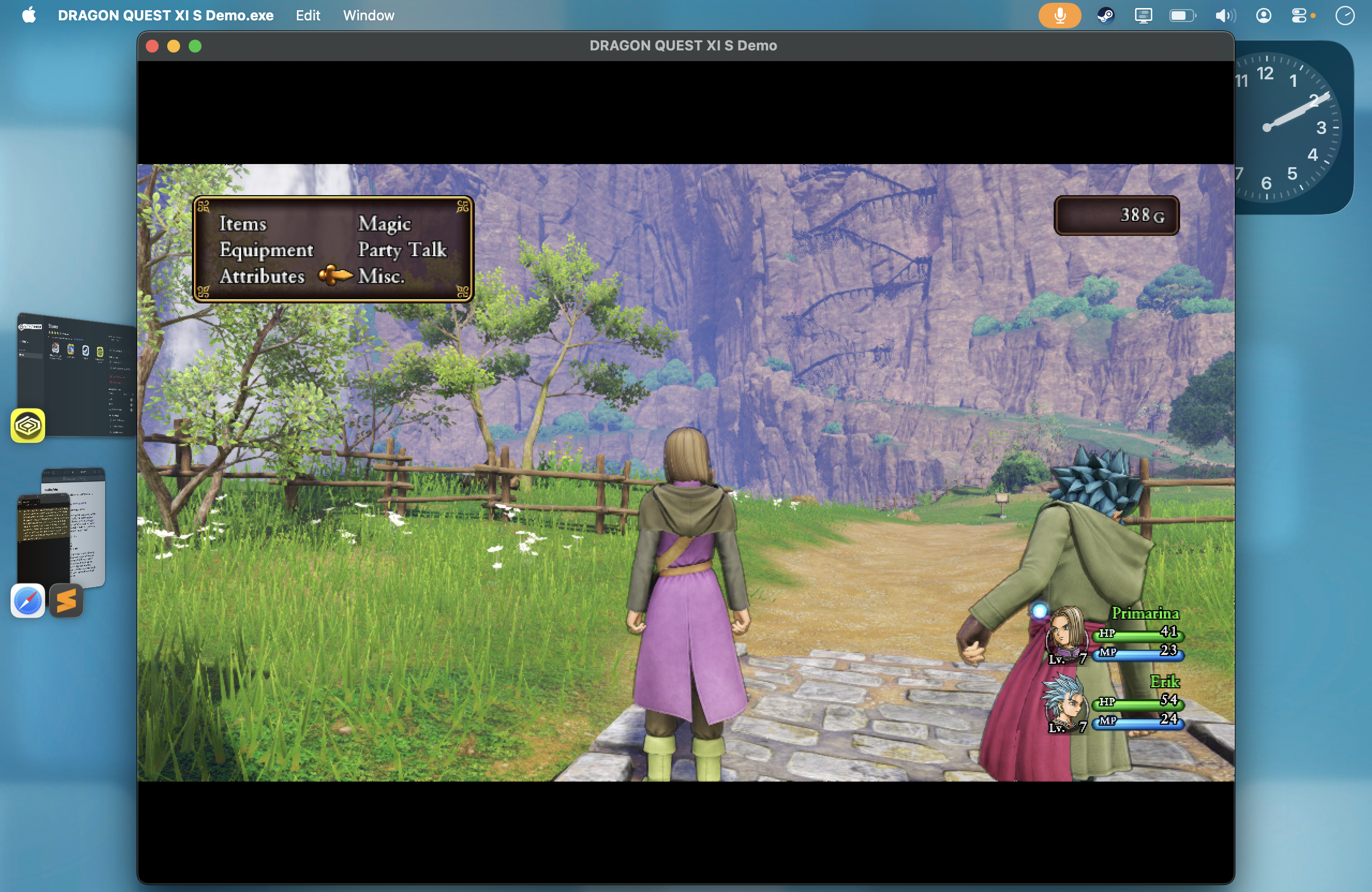
I had a pain of a time trying to get DQ XI to work nicely on my 4K monitor and I actually just gave up in the end. My personal computer of choice is a MacBook Air M2 and it runs the game at probably 60 FPS most of the time. I mostly run the game in Windowed mode and when I do that, it measures 1024x580 points on my screen. This is where "High Resolution Mode" matters: Each "point" on a MacBook screen is actually a 2x2 cluster of pixels and when that setting is switched off, CrossOver runs everything as though each point is actually only one pixel, not four. The game looks kind of hilariously pixely and I love it.
It doesn't bug me. If you're running on a newer or stronger Mac then you can probably try getting away with High Resolution Mode on, in which case I recommend changing Dragon Quest XI's own opinion about how sharp your screen should be: Misc. » Video Settings » 3D Graphics Options » Screen Percentage (whatever that means), and slide that waaay down. For me it's maxed out and so are all the other graphics settings, and my framerate dips only on occasion.
I can't resize this window and I can hardly resposition it (Stage Manager kinda helps). I sometimes play in fullscreen ("borderless" actually... just fn/globe + F11...) and even though I think that's rendering more pixels, it usually plays smooth too. But cursor locking is kinda weird, I need to cmd-tab out from the game and back in before my cursor is locked properly, and then when it collides with the bottom of the screen, it becomes visible again. So windowed mode is mostly more seamless, in my experience.
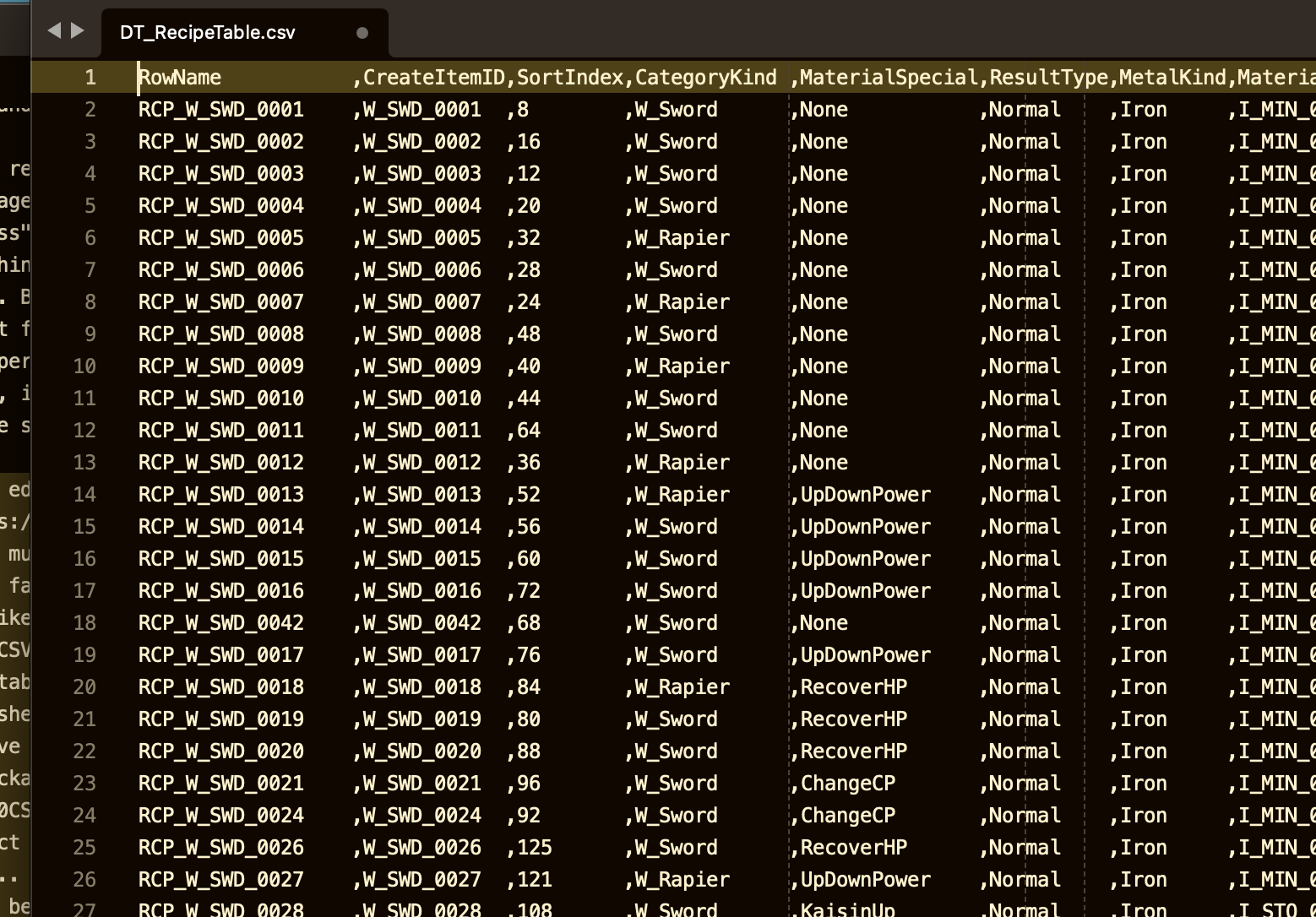
My text editor of choice is Sublime Text. You can use pretty much anything, but Sublime Text is cross-platform and really fast and doesn't annoy me like most Code Editors do, so I like it. Regardless, you'll probably be working with some big .CSV's, so you want a fast text editor, or else some table-editing software that runs really well with big spreadsheets and preferably can directly edit CSV files. (I don't have any recommendations there. I just use Sublime. I use the package "Advanced CSV" for its "Justify columns" and "Compact columns" commands, but that's only good for exploring... it's more hassle than it's worth while editing... because CSV files actually encode whitespace, so everything goes pretty bad if you do a build while your CSV looks like this.)
The only other software I use is Finder and Terminal. I also have wine installed independently of CrossOver. You're probably going to need it if you're working on a Mac, because some modding software is only built for Windows and I definitely can't help you build someone else's project from source (if available). It's been forever but I used Homebrew to install wine. Apparently there are two branches of this, "wine-crossover" and "wine-stable", and I have both installed, but the one my own wine command points to is wine-stable. I just checked and apparently it's getting deprecated in September of this year (as I write), oops. You can try the "wine-crossover" package (source here) like this:
brew install --cask gcenx/wine/wine-crossoverBut also I probably can't help you if that doesn't work, and wine is kind of annoying to get working on Mac anyway, so godspeed you and all that. That's your first obstacle! Go, go!